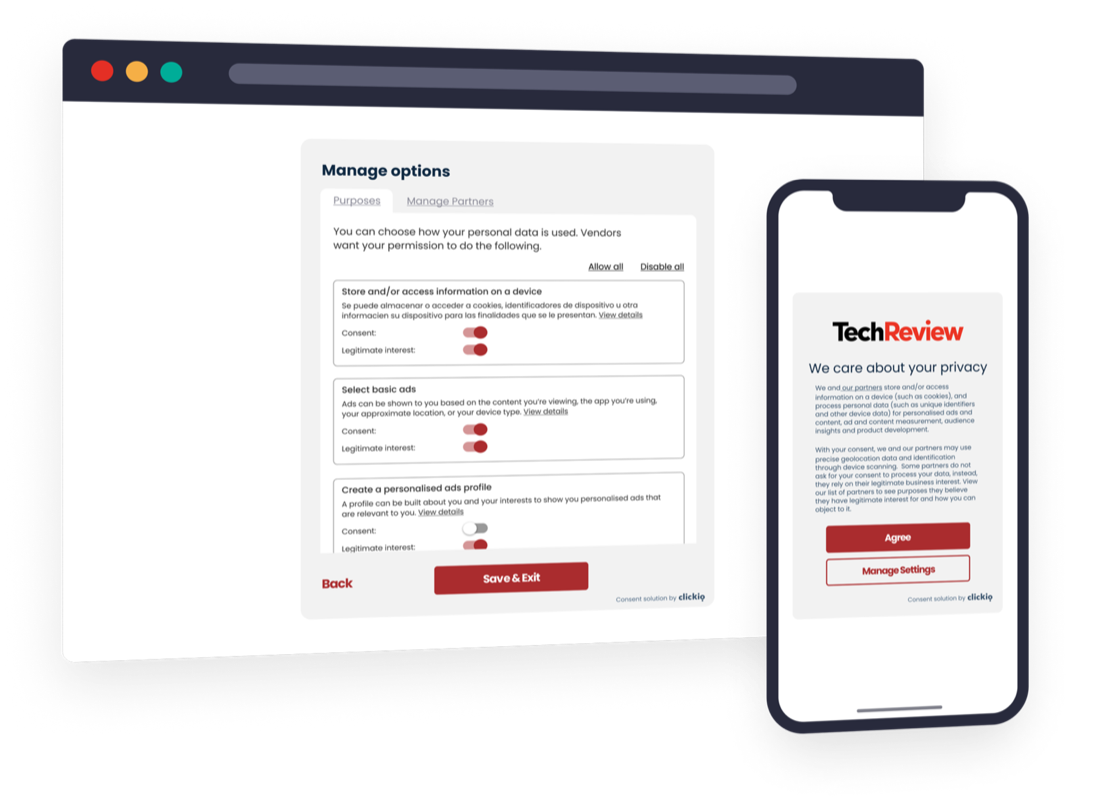

Seamless activation ofGoogle Consent Mode v2
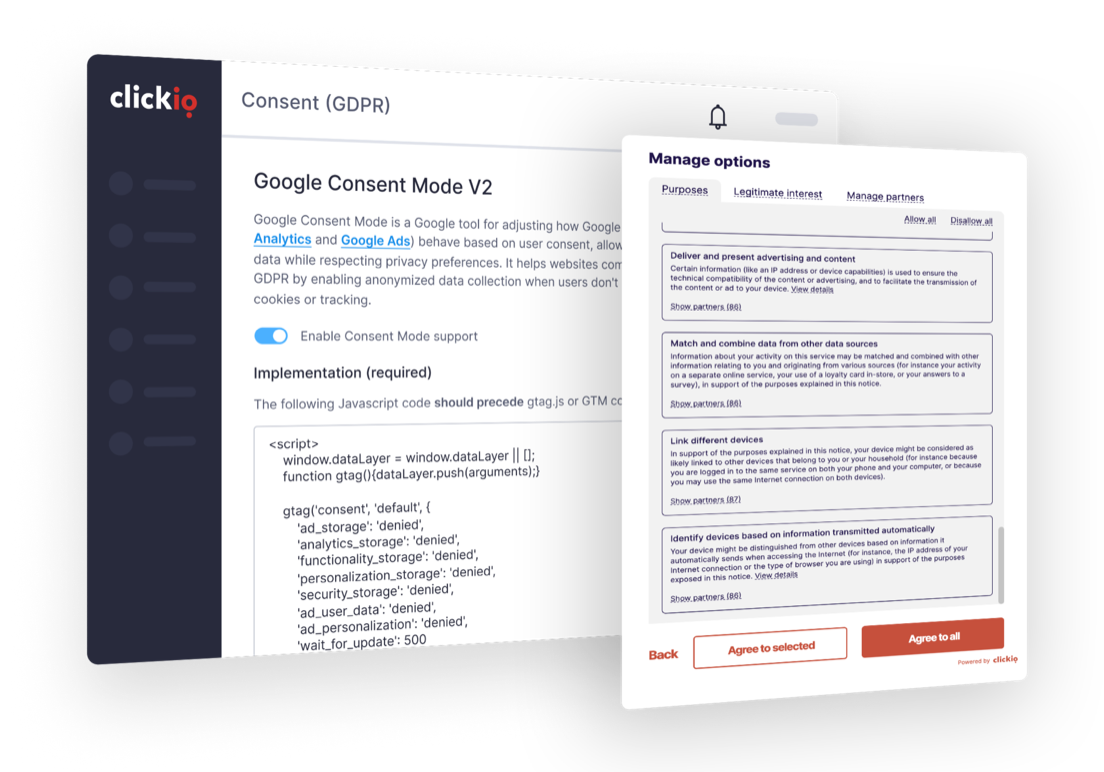
- Advertising to European users? Keep your Google Ads and Analytics running smoothly by activating Consent Mode v2 today
- Clickio offers seamless integration with Consent Mode v2
- Comply with Google's EU user consent policy and continue to gather valuable data, even when consent is not granted


Trusted by 2,000+ clients worldwide





How to activate?
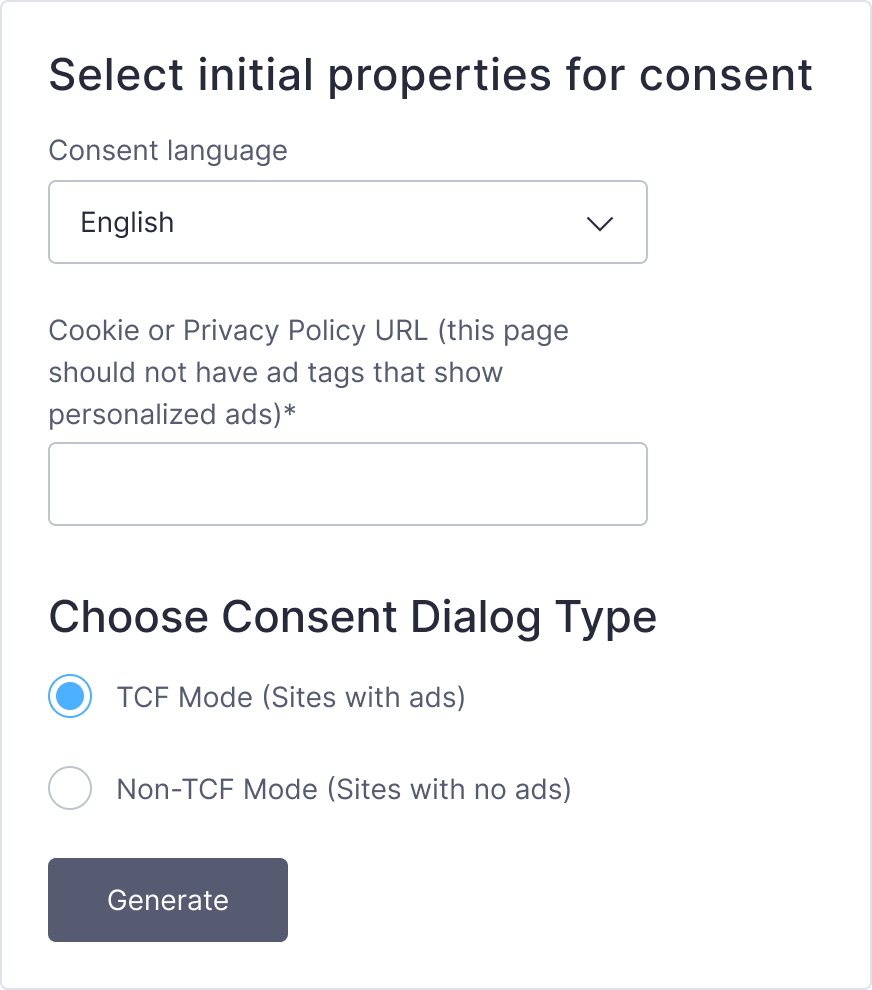
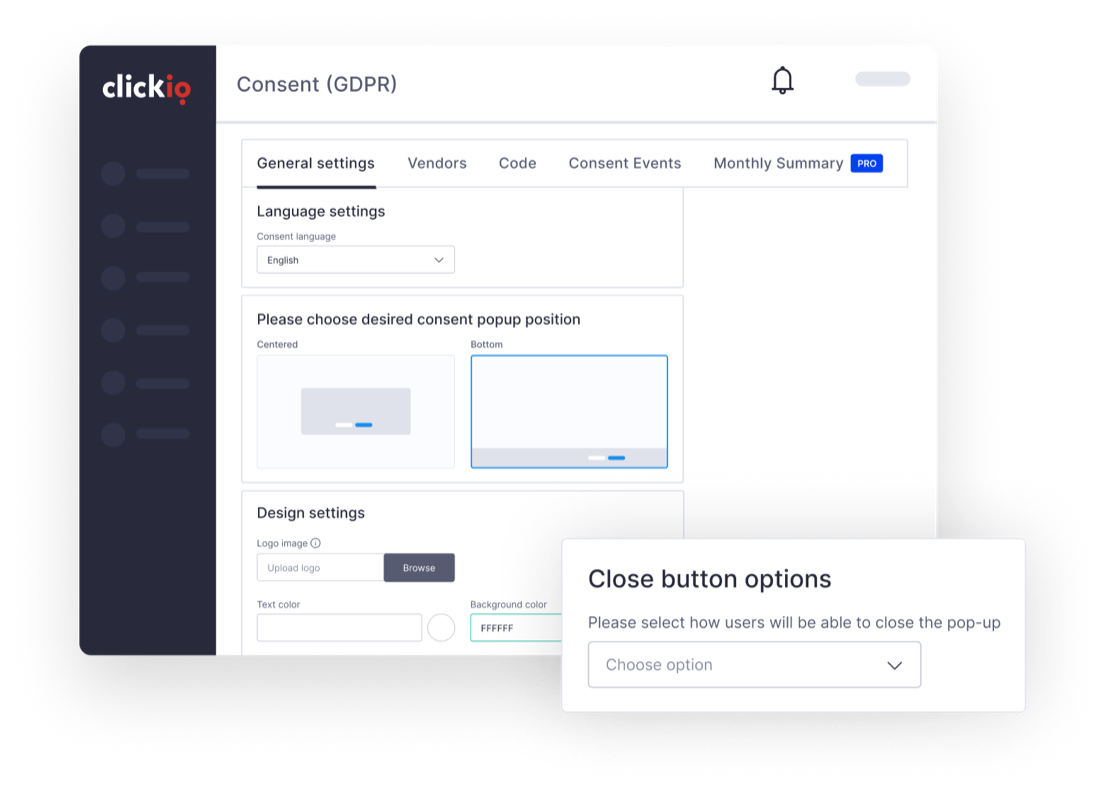
Create a GDPR Consent Banner
Configure your GDPR Consent banner in one of two modes:
 TCF-Mode. For sites using advertising services like Clickio or Google AdSense. This mode ensures compliance with the Transparency and Consent Framework, managing user data in line with advertising requirements.
Non-TCF Mode. For sites that do not serve ads and do not require adherence to the TCF.
The default text disclosures and Google vendor settings in both the TCF and Non-TCF modes are designed to comply with the Consent Mode requirements, and we recommend to use them. If you opt to customise these settings, make sure you meet the requirements. Learn more in our documentation.

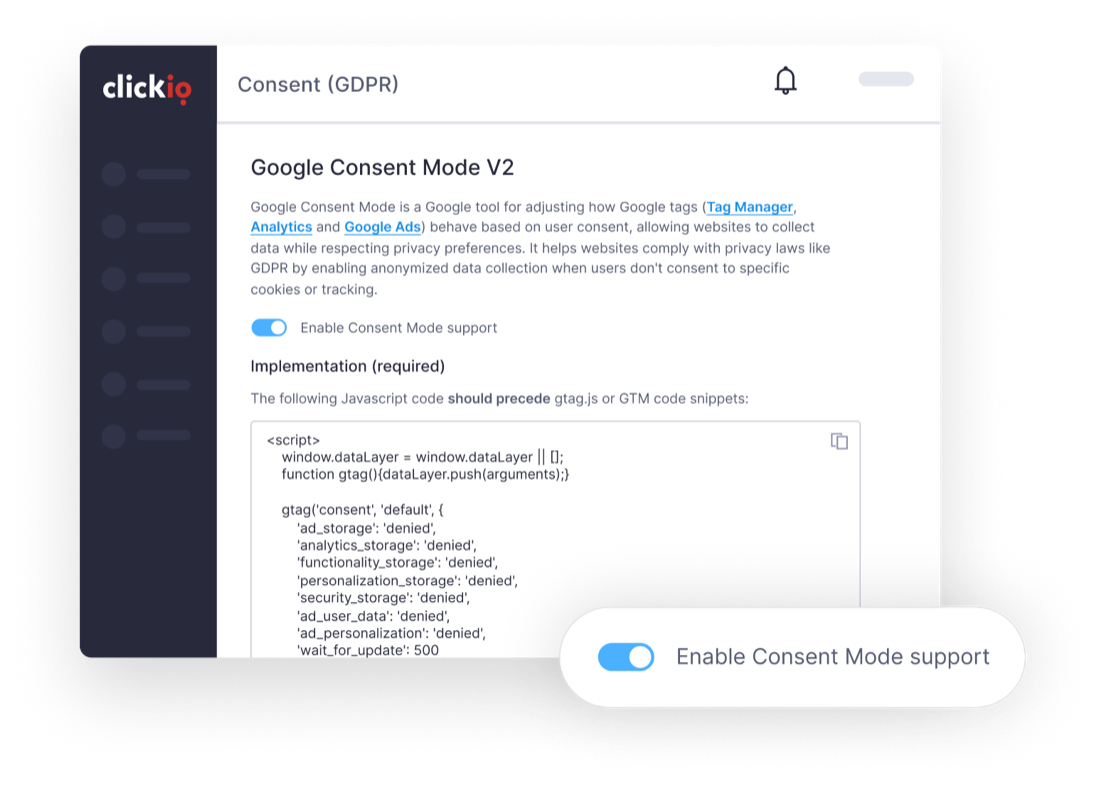
Enable Consent Mode v2
Ensure that Consent Mode v2 is enabled. It is enabled by default for all new sites, and is available regardless of your product plan.
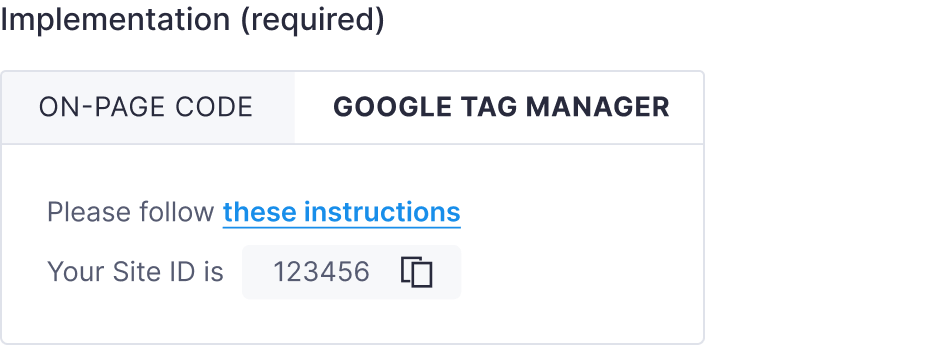
Implement Clickio Consent dialog and the default config
We offer three easy ways of implementing Clickio Consent and Consent Mode:
Google Tag Manager. Install our GTM template and enjoy a seamless and codeless way to activate Consent Mode.
On-site tag. Place the main tag and the default config manually.
CMS Plugins. Install our CMS plugin, available for Wordpress, Drupal, Typo3, Bubble and more.
Detailed instructions are available on the platform and in our documentation.

You are live!
Enjoy all the benefits of Consent Mode v2.
Troubleshooting and Support
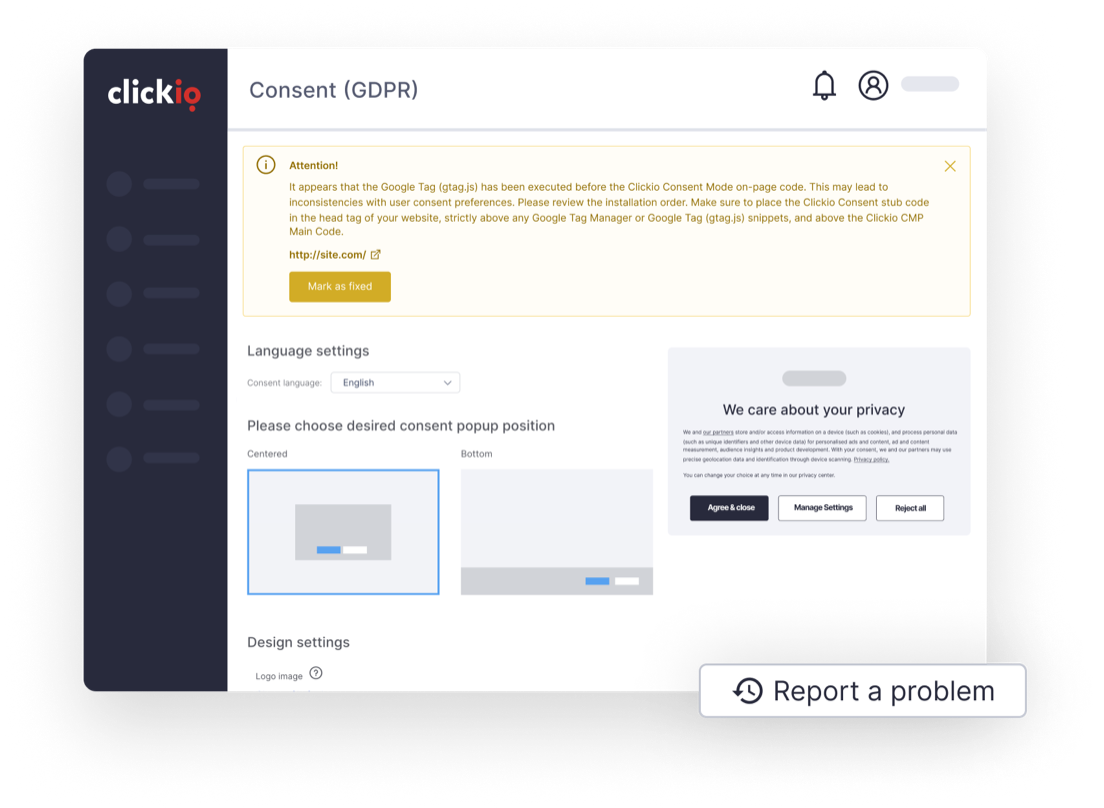
Clickio Consent proactively detects common implementation issues and displays alerts on the Clickio Platform.
We provide support and troubleshooting for Clickio Consent clients. For assistance, contact our support team via the platform, email support@clickio.com, or reach out to your account manager. (Personal account management is available on Enterprise.)
For Consent Mode implementation issues, please contact Clickio support before reaching out to Google.
What is Consent Mode v2?
Consent Mode allows you to communicate your users' consent status regarding cookies or app identifiers to Google. It helps align Google services' behaviour with user preferences, either through automatic consent prompts or user consent interactions.
Consent Mode v2 expands on Consent Mode v1 and adds additional parameters related to the use of user's data for advertising and ad personalization. It was introduced in November 2023 and is mandatory starting from March 2024.
What is Consent Management Platform?
Consent Management Platforms are services designed specifically to collect privacy decisions from users, securely store them and communicate them to other vendors such as Google and hundreds of other vendors.
Clickio is a Google and IAB certified CMP, which fully supports both Consent Mode v2 and IAB's Transparency and Consent Framework. It has built-in integration with more than 1500 vendors.
Advanced vs Basic Implementation
Basic Consent Mode
In Basic Consent Mode, Google tags only load after the user interacts with the consent banner. This mode ensures that no data is sent to or received by Google without user consent. When the user grants consent, the Clickio CMP main tag execute the consent mode APIs and update consent states. However, if the user does not consent, no data is transferred to Google, and the tags are blocked entirely.
Advanced Consent Mode
In Advanced Consent Mode, Google tags load immediately when the user opens the website or app. The default Consent Mode on-page Config or Clickio Consent GTM Template initially set the default consent states, typically defaulting to "denied" unless specified otherwise. Even when consent is denied, the Google tags send cookieless pings. The Google tags then wait for the user to interact with the Clickio CMP and update the consent states accordingly. If the user grants consent, the Google tags send full measurement data. This mode provides better modeling compared to Basic Consent Mode, offering advertiser-specific models rather than a general model.
Clickio Consent implements Advanced Mode by default. If you prefer to use Basic Mode, you need to block the initial loading of Google tags by following specific instructions.
Choose your Consent plan
Free, Starter, Pro, Pro+ and Enterprise. Choose by the features you need and your traffic, with a 14-day free trial on every paid plan.
Compare plans and pricing